Introduction
This document has contained how to create and use Prefabs script on Unreal Engine 4 & 5.
It explains how to use Editor Utility and create data-driven scripts.
Final output
Create Content Assets
First. You need to create 4 assets on the content browser. it contained Actor Blueprint, Structure, DataTable, and Editor Utility Blueprint.
Blueprint Actor
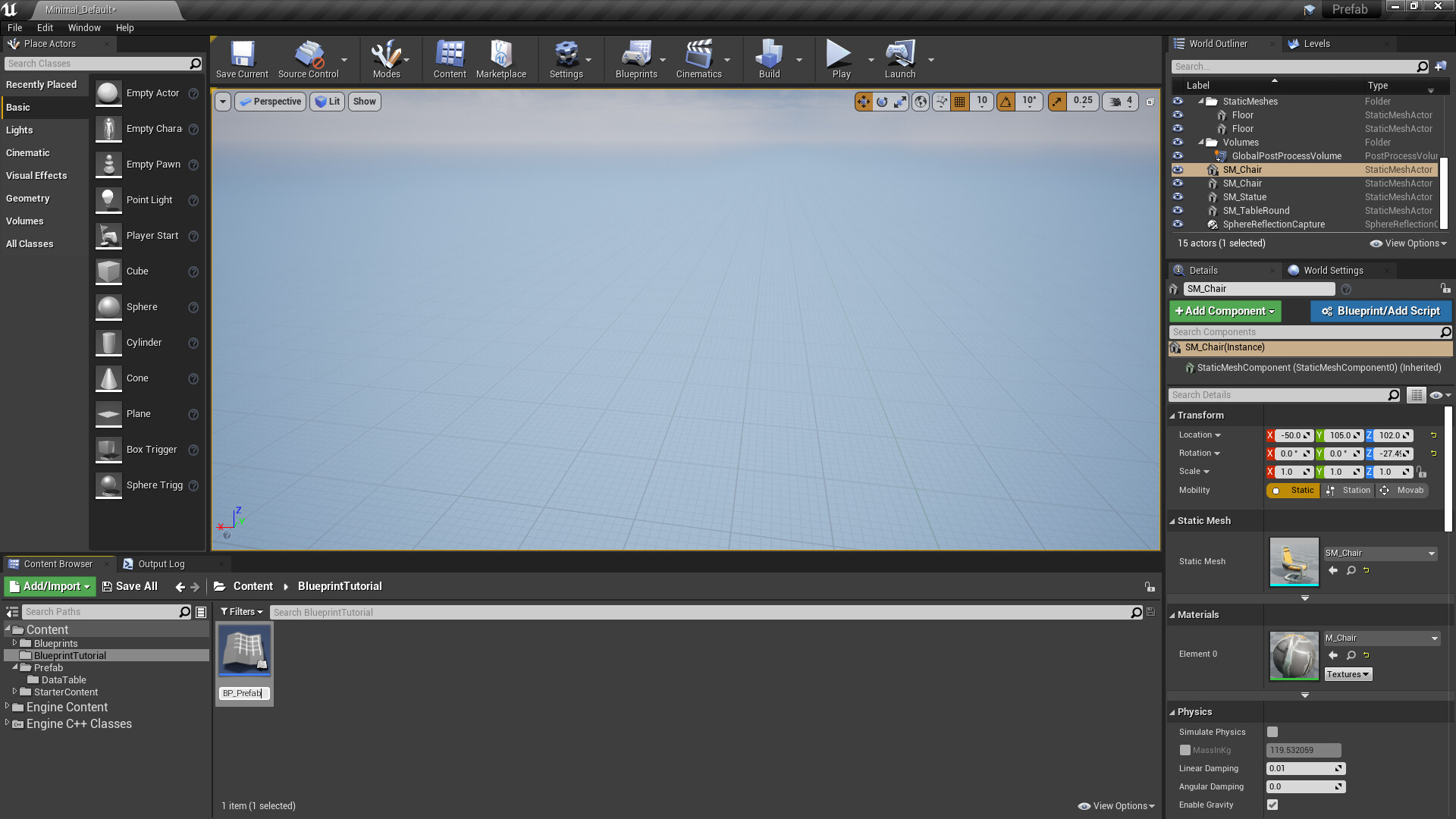
In order to start working with Blueprint, you will first need to create an Actor Blueprint as seen
1. Press right-click to create Blueprint Class.

2. Select an Actor class below the common classes category

3. After the create the Actor Blueprint, set the name of the actor blueprint. In my case called "BP_Prefab"
Structure and DataTable
Also, you need to create the Structure and DataTable Asset.
1. Create Structure Asset below Blueprints category. And set the name of the structure asset.


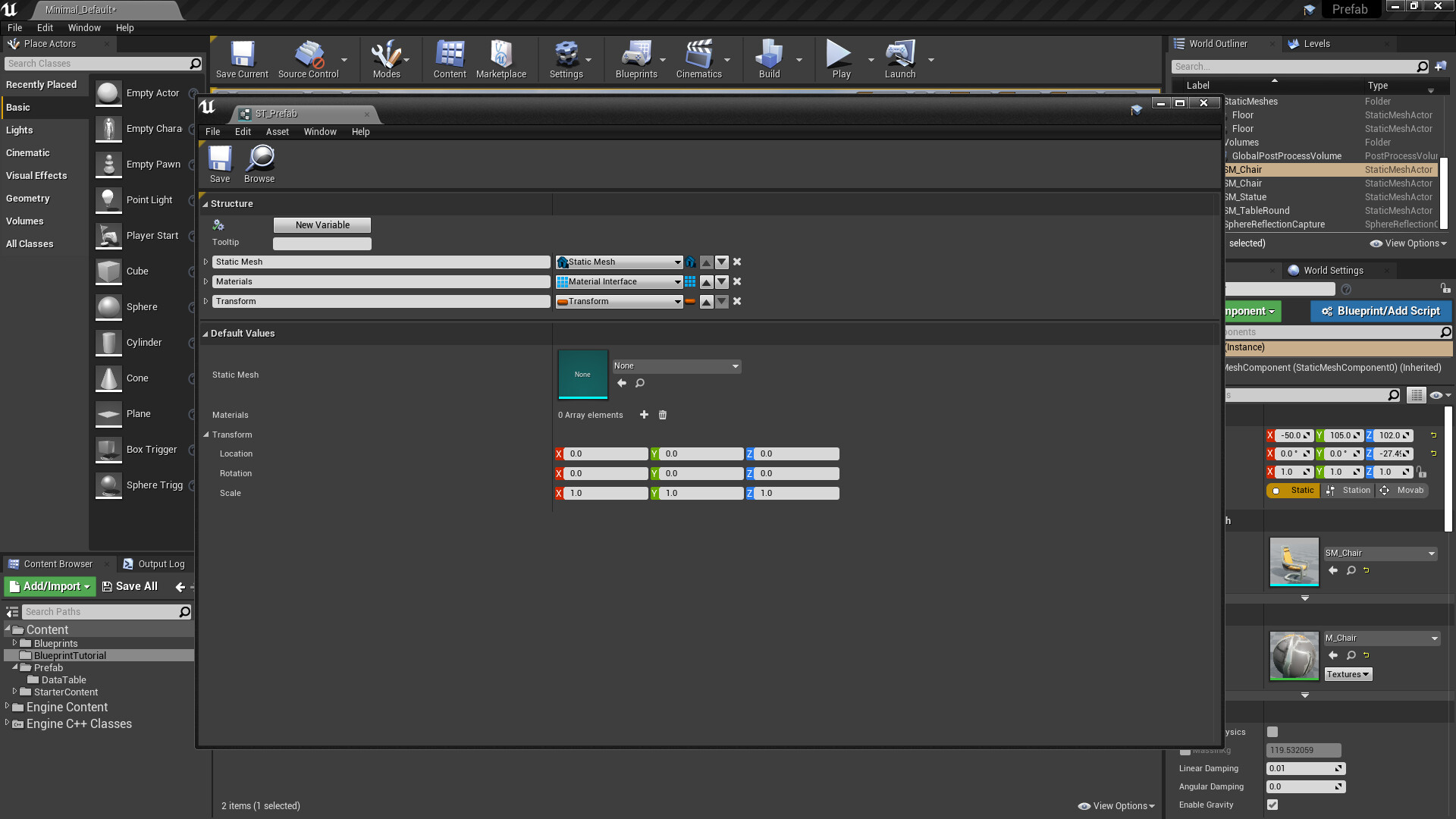
2. Now when you open it from Content Browser, you can see an empty Structure. And need to fill structure what need to composing Prefabs.
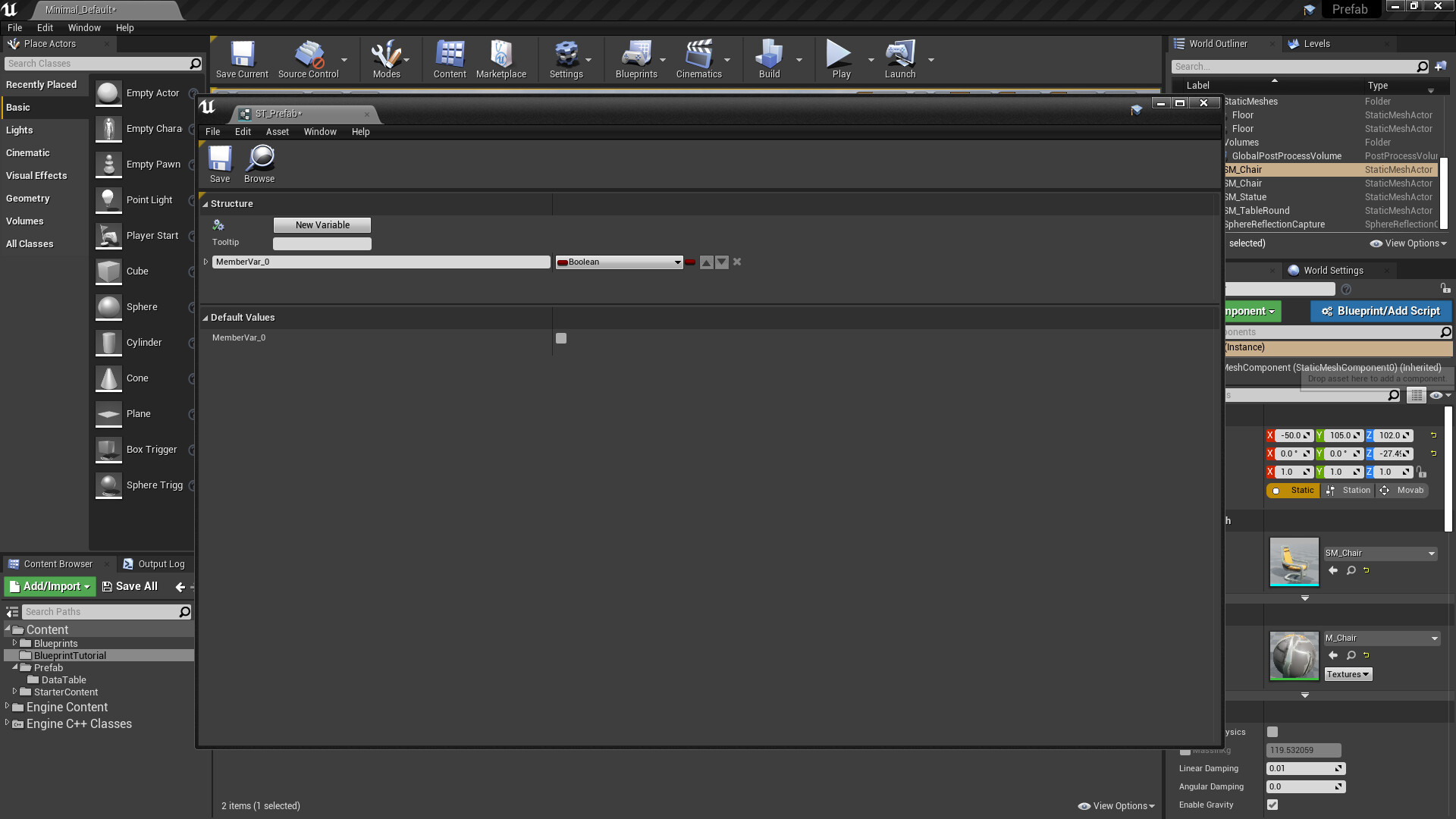
3. It needs to fill about Static Mesh, Materials, Transform data. So just add three types of variables. First, click the "New Variable" button below the Structure category. And rename the variable that you added. Also, click the button on the right side of the Name string, type "Static Mesh" to search, and select a Static Mesh.
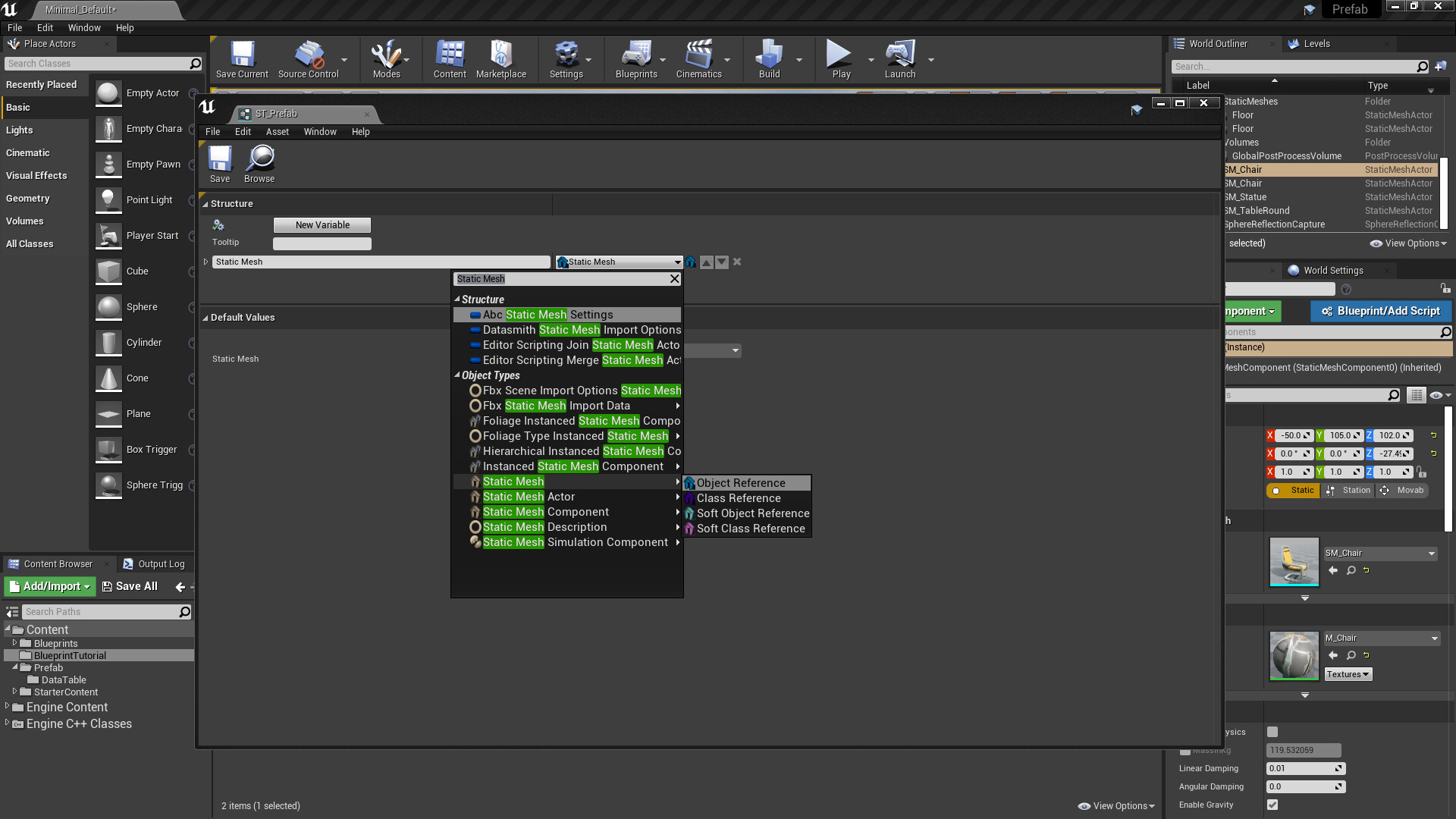
4. Also, create a new variable class of Material Interface. It should you be set Variable type into Array. Because if Static Mesh has several materials, need to assign several materials to data.

5. Last, create a new variable class of Transform.
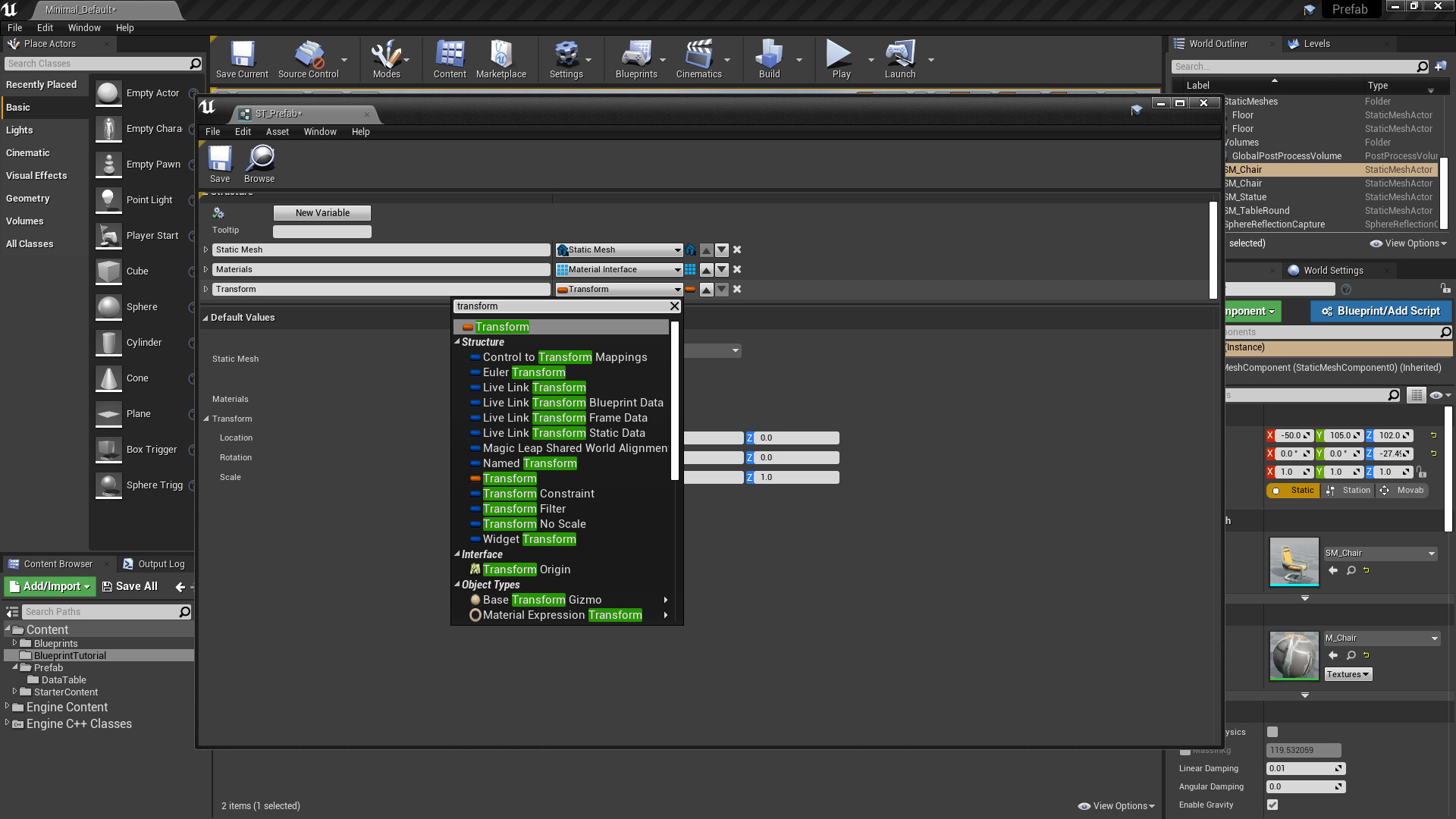
6. Now you created three variables of structure. And ready to create data table assets to data driven.
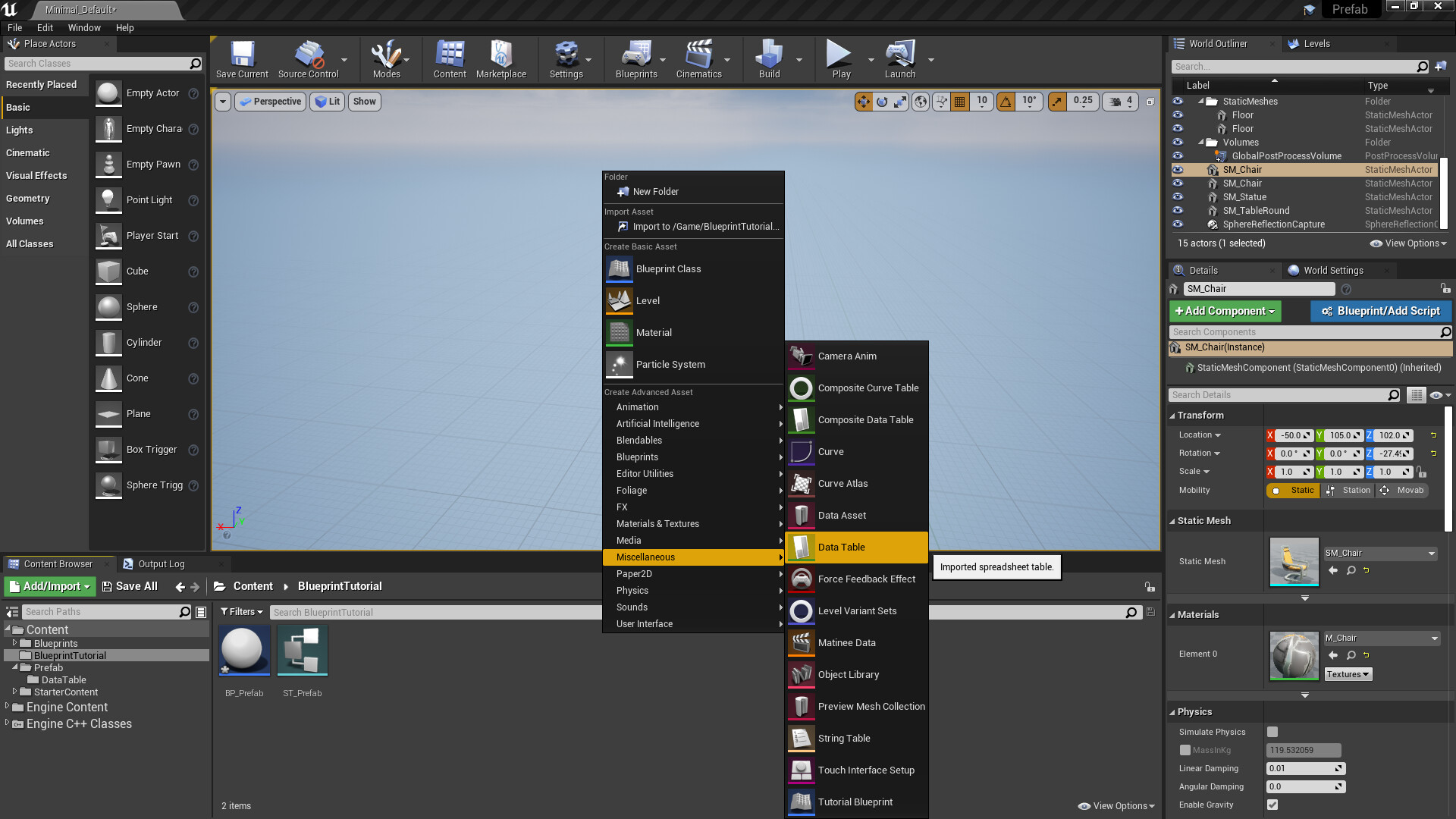
7. Create DataTable Asset below the Miscellaneous category.
8. Now you can see the need to select a Structure that you created.
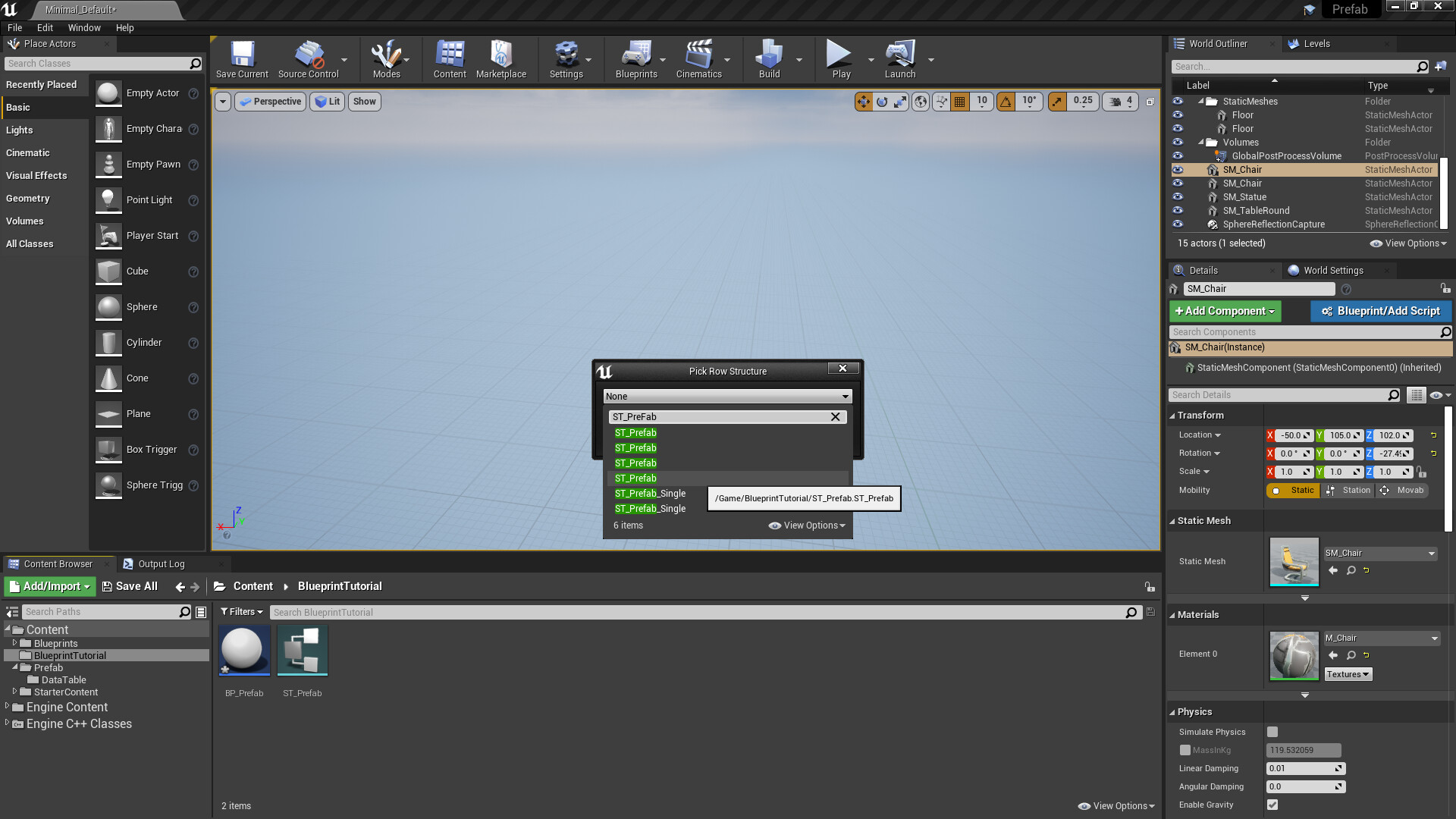
9. Set the name of the DataTable assets.

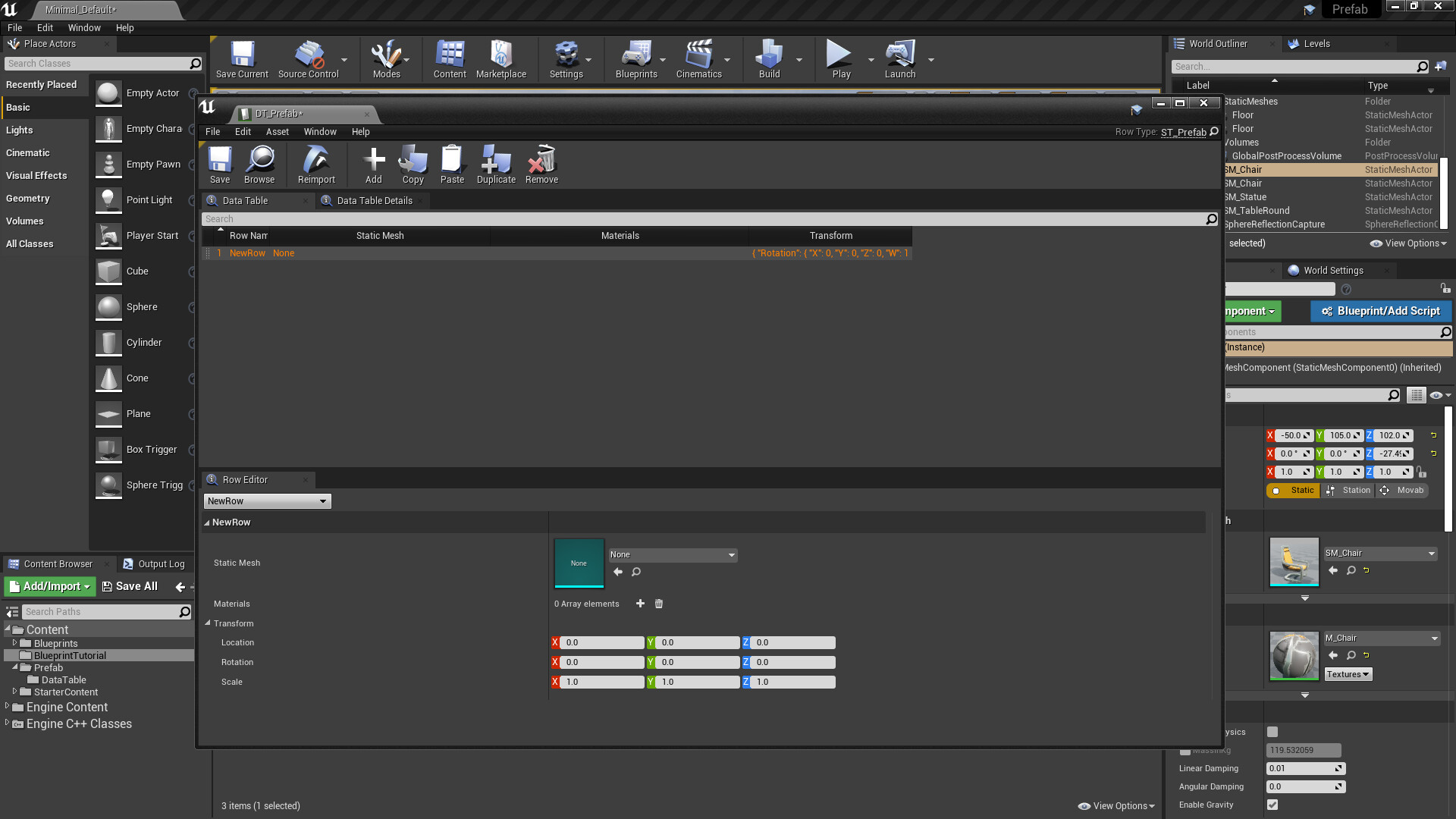
10. And open that asset and check inside that contained. When you open that first time, you can see that empty. Don't worry, it will fill from the blueprint script that your next work. (Part 2)

11. Test to add the row and check inside of DataTable and what contained structure.
Continue in Part 2